Display Cards action manual
See the manual below for basic information about AI agents.
The Display Cards action shows card-formatted data in Sidetalk.
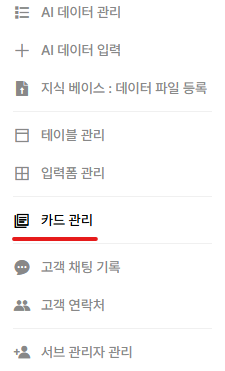
Add it from the Card Settings menu.
Card types

Text

Consists of a title and description, with up to three buttons.
Image
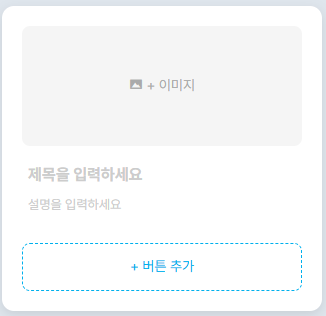
Consists of an image, title, and description, with up to three buttons.
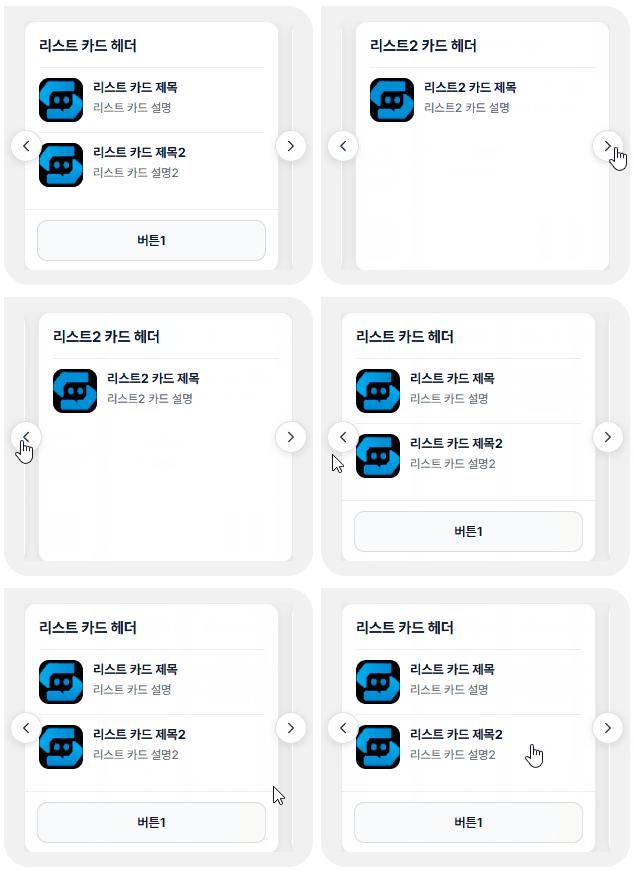
List
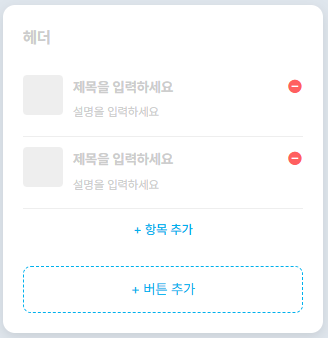
Consists of a header and each item’s image, title, and description.
Set a link for each item so clicking it opens that link.
Lists support up to four items in carousel mode and five in random (single) mode.
Card display mode
Carousel
Displays multiple cards in a carousel.
Random display
If multiple cards are entered, one is displayed at random.
※ Naver TalkTalk does not support carousels, so only the first card is displayed.
Preview each type
1. Sidetalk chat
Text (carousel)
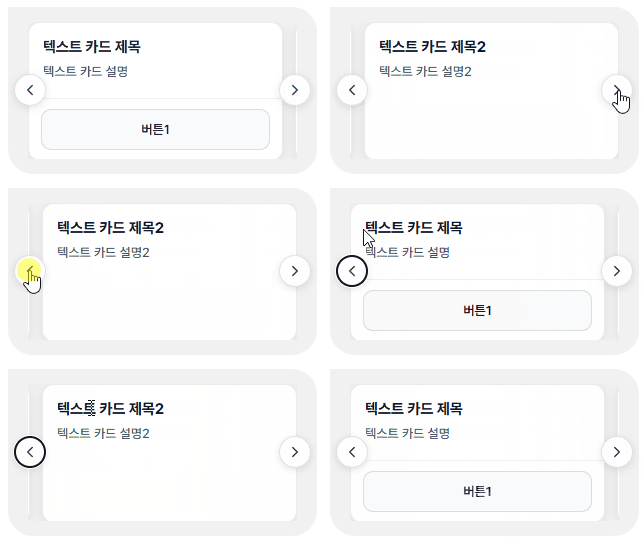
Image (carousel)
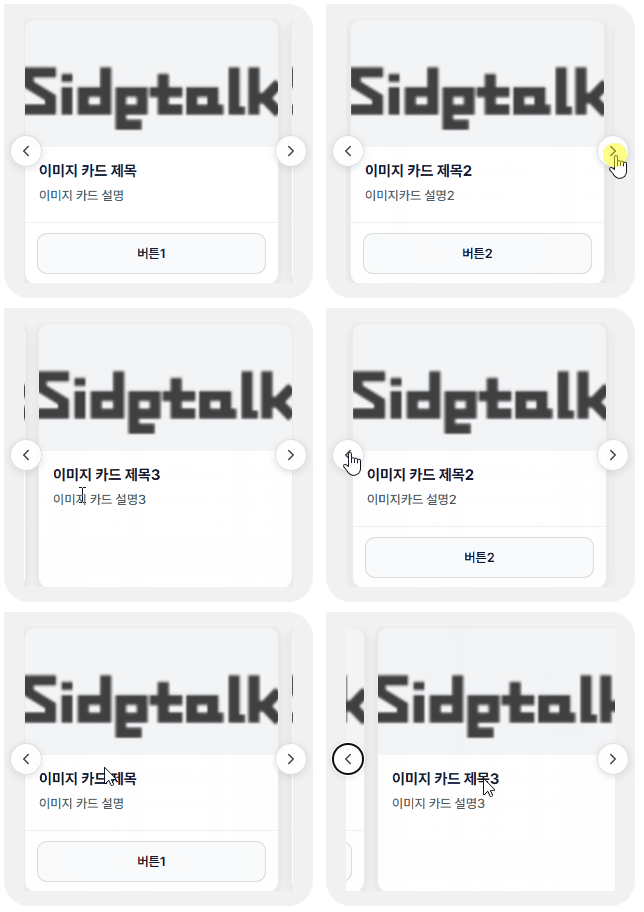
List (carousel)
2. KakaoTalk
Text (carousel)
Image (carousel)
List (carousel)
Naver TalkTalk
Text (only one displayed)

Image (only one displayed)

List (only one displayed)