
Profile settings guide
Access the Sidetalk AI chatbot directly through its profile URL without going through your website.
Share the profile URL through blogs, social media, email, SMS, KakaoTalk, and more.
You can also use it to test before connecting it to your website.
Disable this if you want to operate the chatbot only through your own website.
Find these settings in Sidetalk Dashboard → AI Chatbot Settings → Profile.
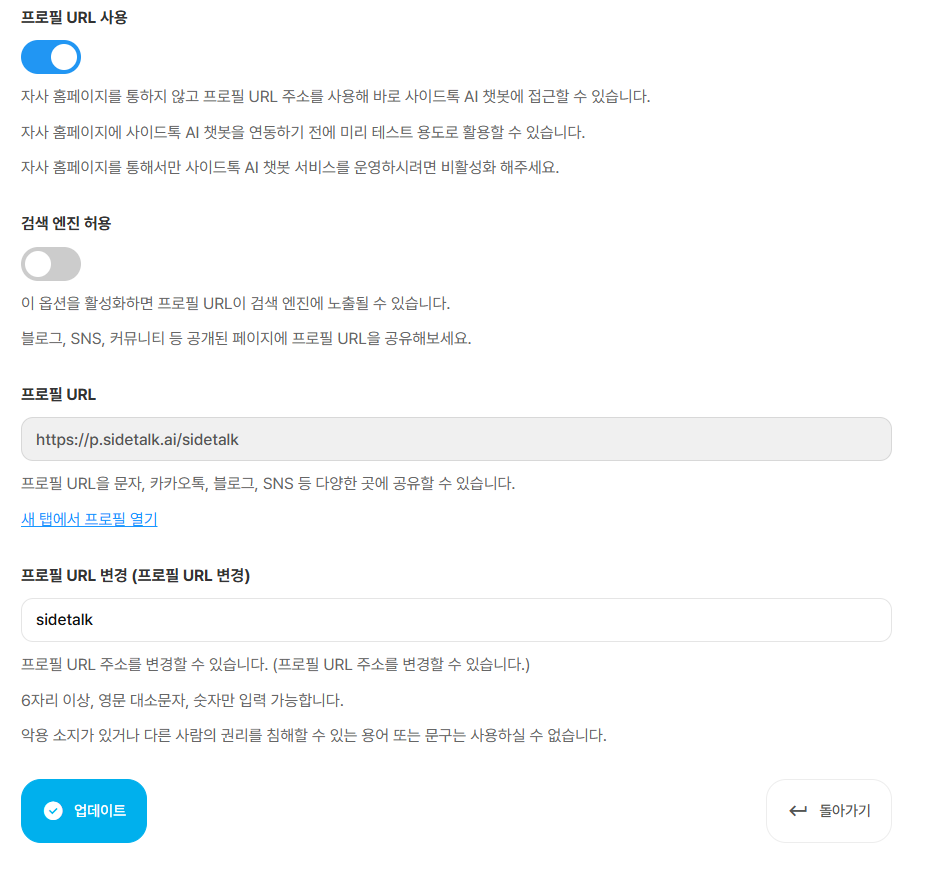
Enable Profile URL to display an address where the AI chatbot can be accessed.
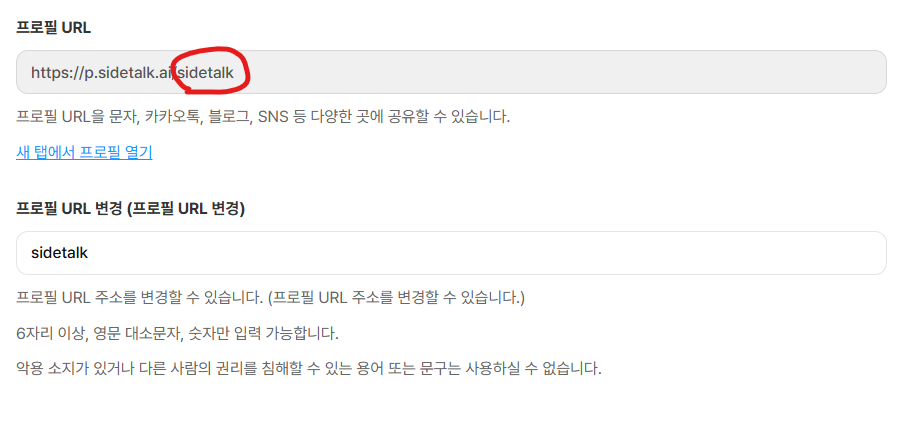
By default, the area shown above contains a random string,
but administrators can customize it.