
Tell me about the Notifications menu
1. Introduction
Sidetalk displays customer requests so administrators can respond quickly,
as a list in the Notifications menu.
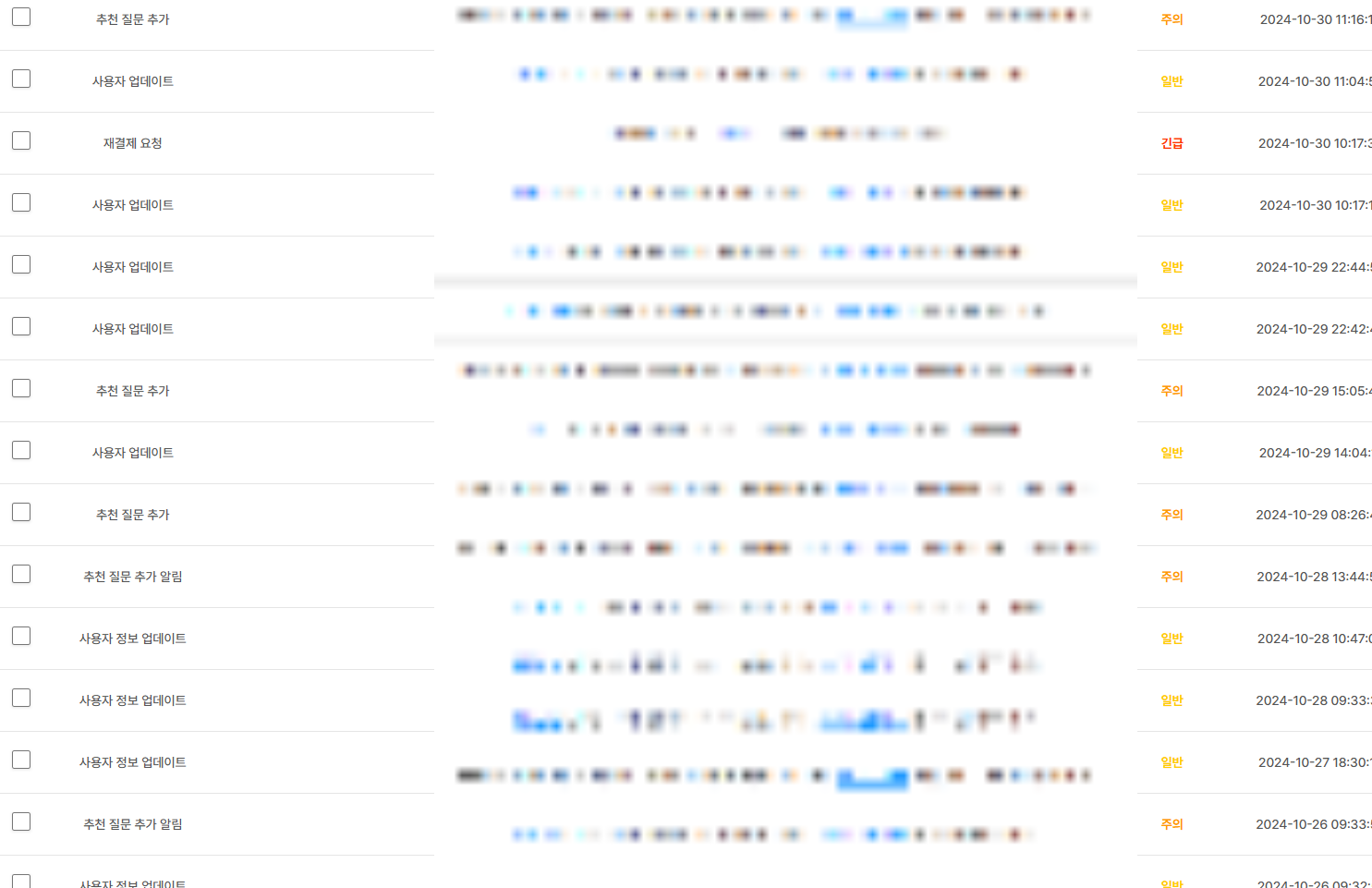
Notifications are also emailed according to their priority, so even without opening the Notifications menu,
you can see customer requests directly in your email.
2. Configure the Notifications menu
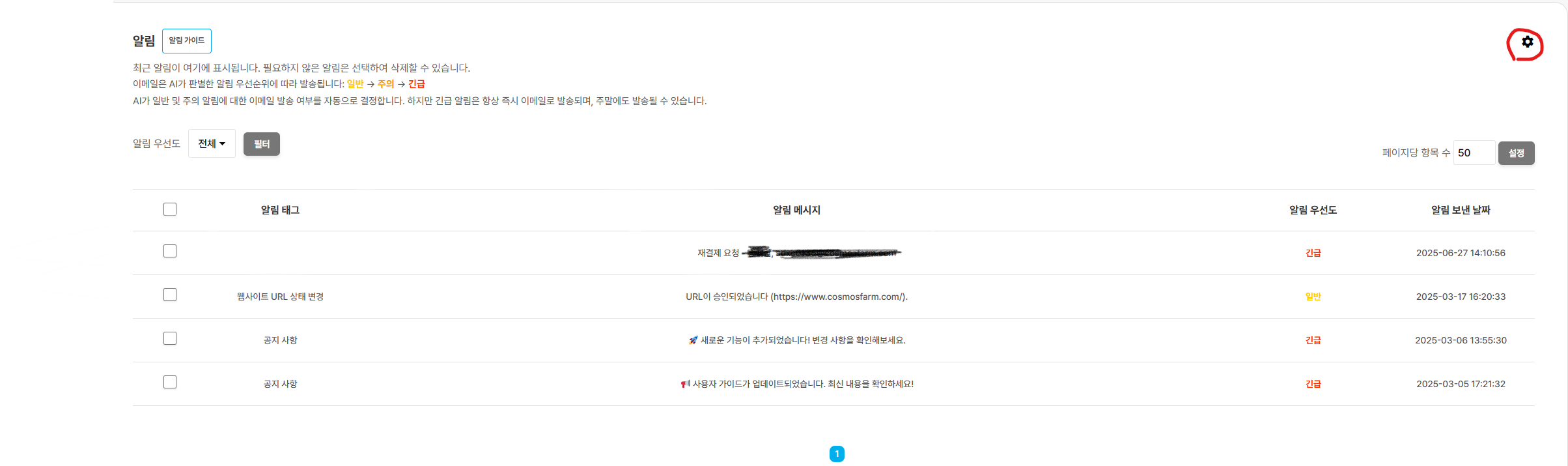
Click the gear button shown in the notification list.
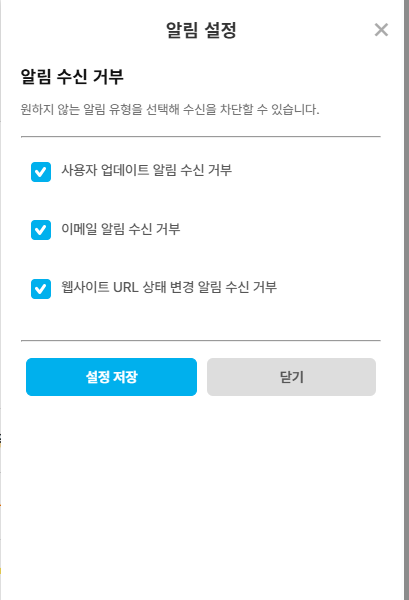
① Block user information change notifications
- When checked, you will not receive notifications when user information changes.
② Block email notifications
- When checked, you will not receive notifications sent by email.
③ Block website URL status change notifications
- When checked, you will not receive notifications when the site URL status changes.