
Google Calendar action manual
See the manual below for basic information about AI agents.
The Google Calendar action can look up existing events or add new events to Google Calendar.
Currently, only event lookup and event creation are supported.
Select the task to run.
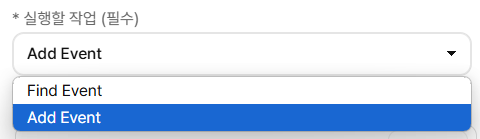
Find Event: look up events.
Add Event: add an event.
Before using the Google Calendar action, go to AI Chatbot Settings → External Service Integration → Connect External Service → Google Calendar, then click Connect to link your Google account.
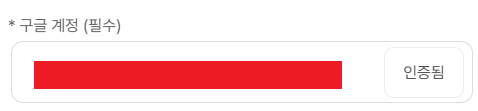
After successful authentication, select the calendar the agent will use.
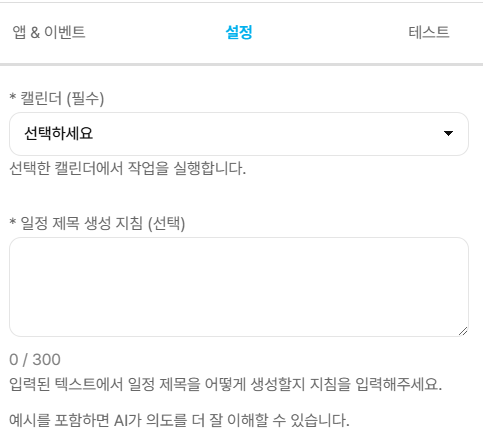
For Add Event, you can enter instructions for generating the event title.
The AI uses these instructions to generate the event title.
[Example]
Generate titles in the format Name + Leave Type. Example: Hong Gildong Morning Half-day/Leave