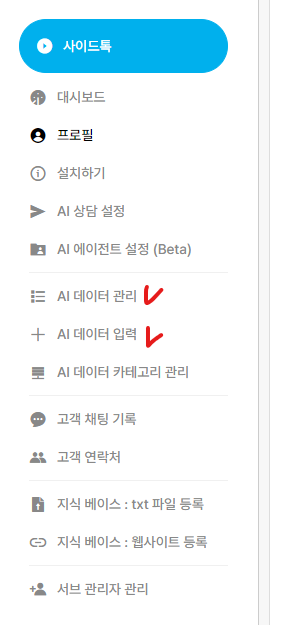
I want to share my AI chatbot on messaging apps, social media, and blogs
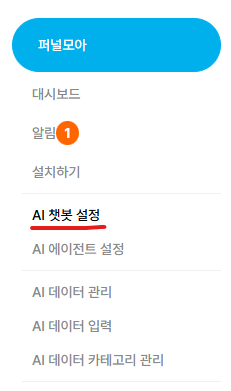
1. In the Sidetalk dashboard → go to AI Chatbot Settings.
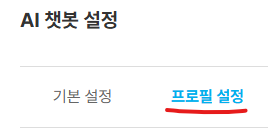
2. In AI Chatbot Settings → open the Profile tab.
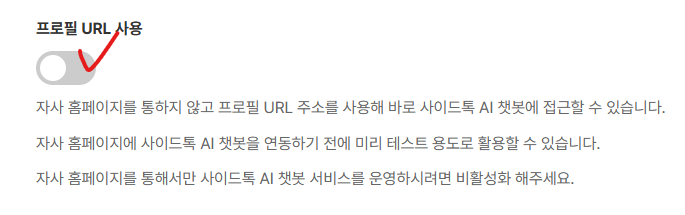
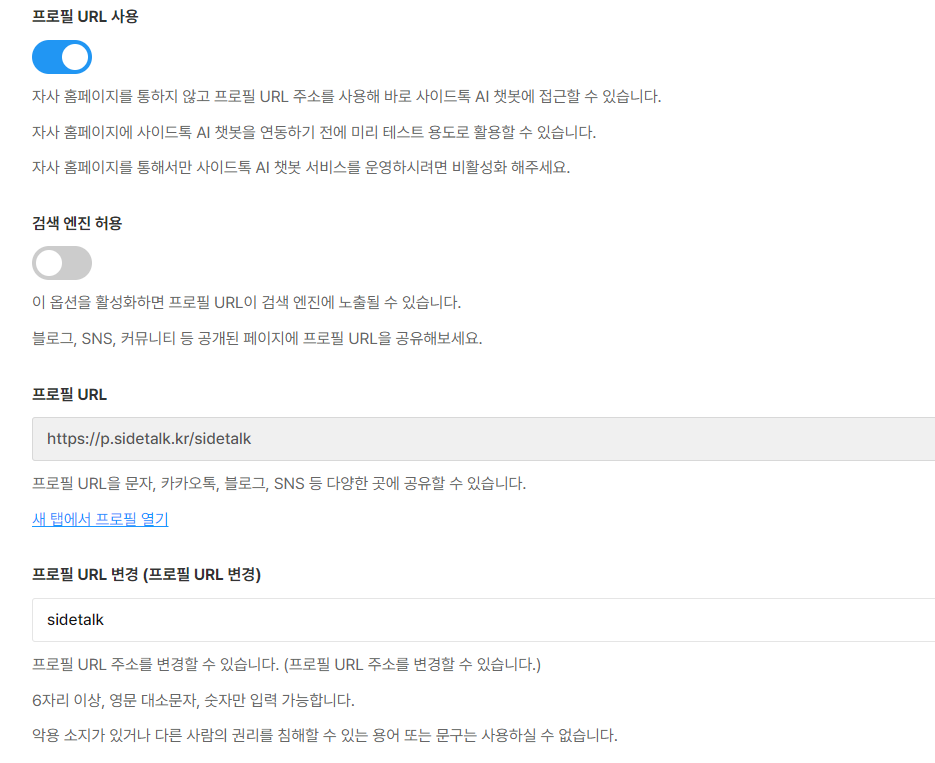
3. Enable the Use Profile URL toggle → then click Update.
4. After updating, the profile URL information appears as shown.
You can change the profile URL yourself if you prefer a different one.
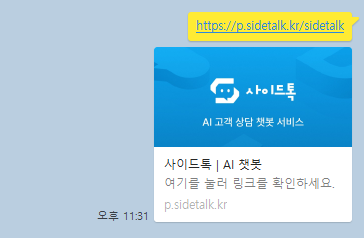
Share the profile URL you created on KakaoTalk!
Enter new data in AI Data Management and AI Data Input,
and let the AI handle conversations and tasks on your behalf.