Can I use Sidetalk in my Cafe24 store?
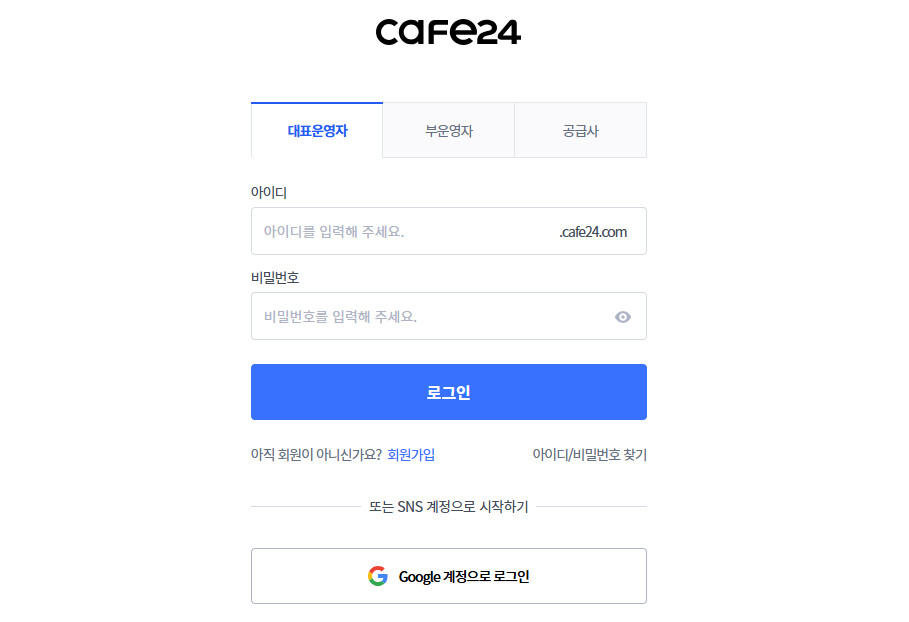
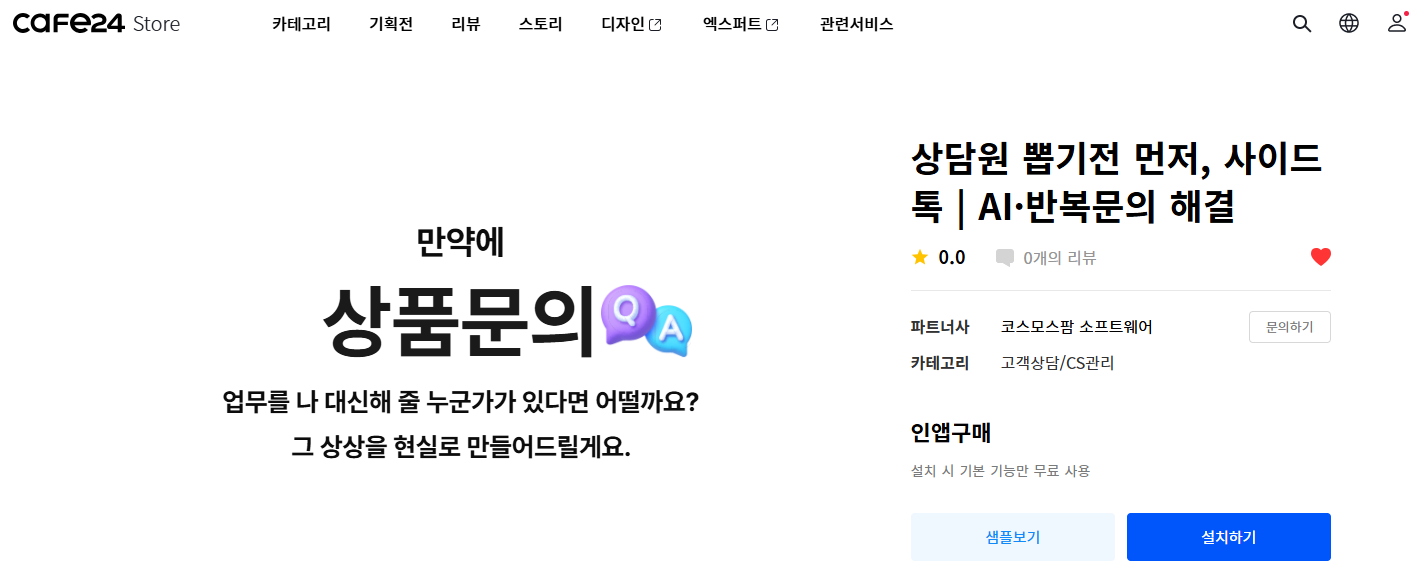
1. Sign in to your Cafe24 store, then go to Store Admin → App Store → install Sidetalk.
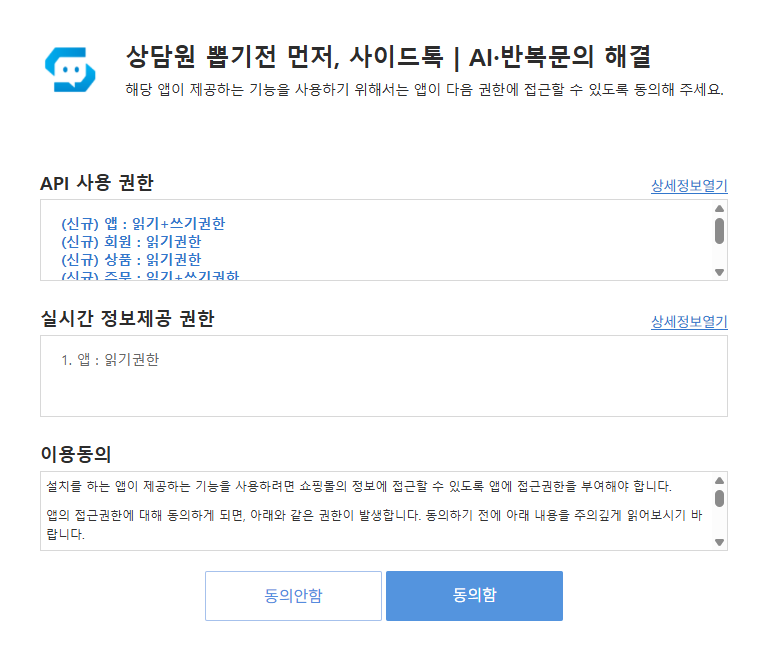
2. After installation, accept the consent notice to go to the Sidetalk page.
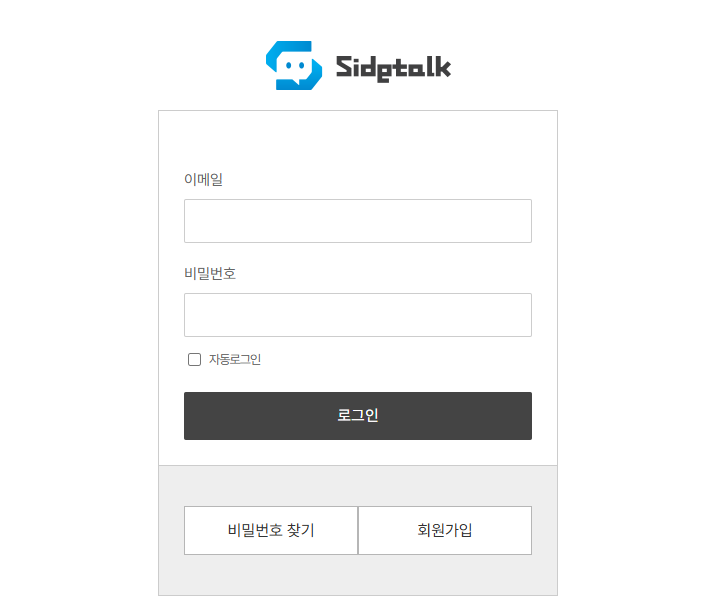
3. Sign in to Sidetalk or create an account.
4. In the dashboard, click Create Sidetalk → choose a plan → pay in Cafe24.
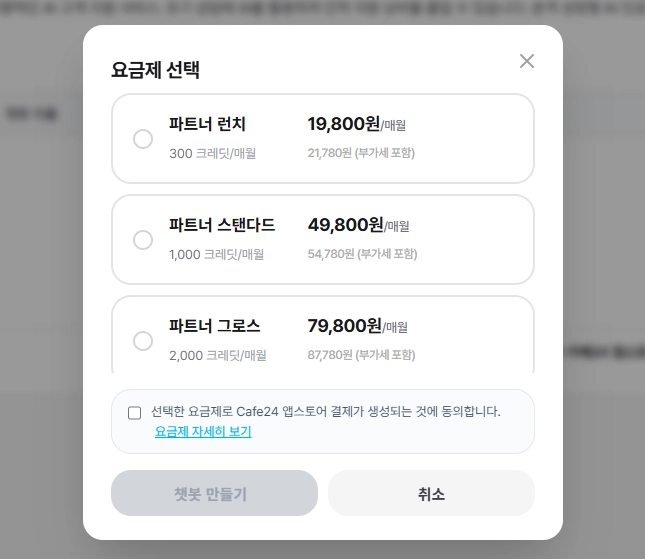
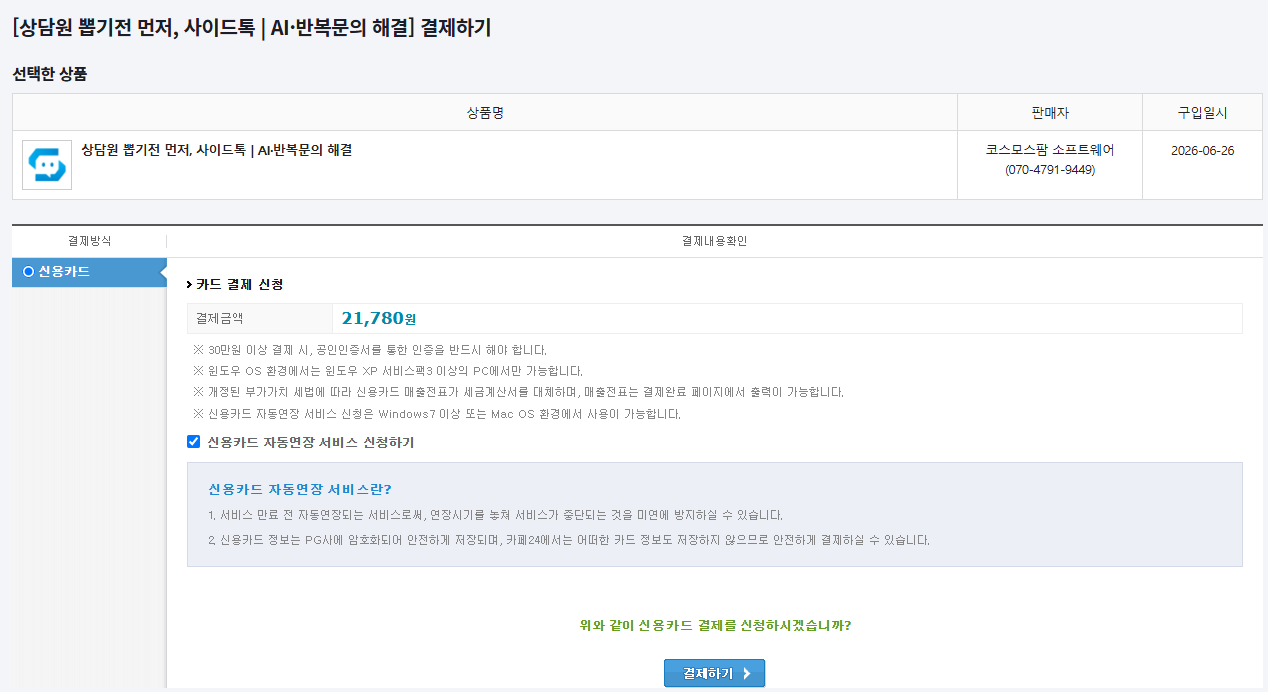
- Apply for automatic credit card renewalUnchecked: one-time paymentChecked: subscription payment
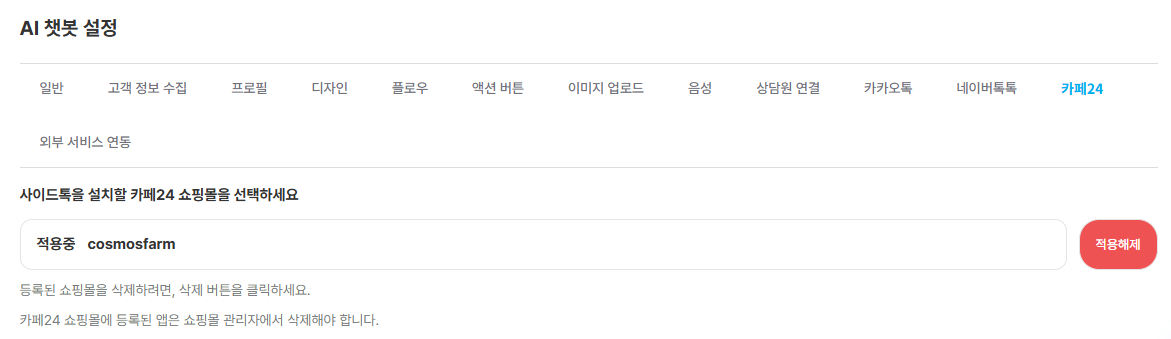
5. Go to AI Chatbot Settings → External Service Integration → Connect External Service → Cafe24 → select the store and click Update.
- It may already be connected when your chatbot is created after payment.
- If it does not appear in the store despite being connected, or is not connected, select it and click Update to connect.
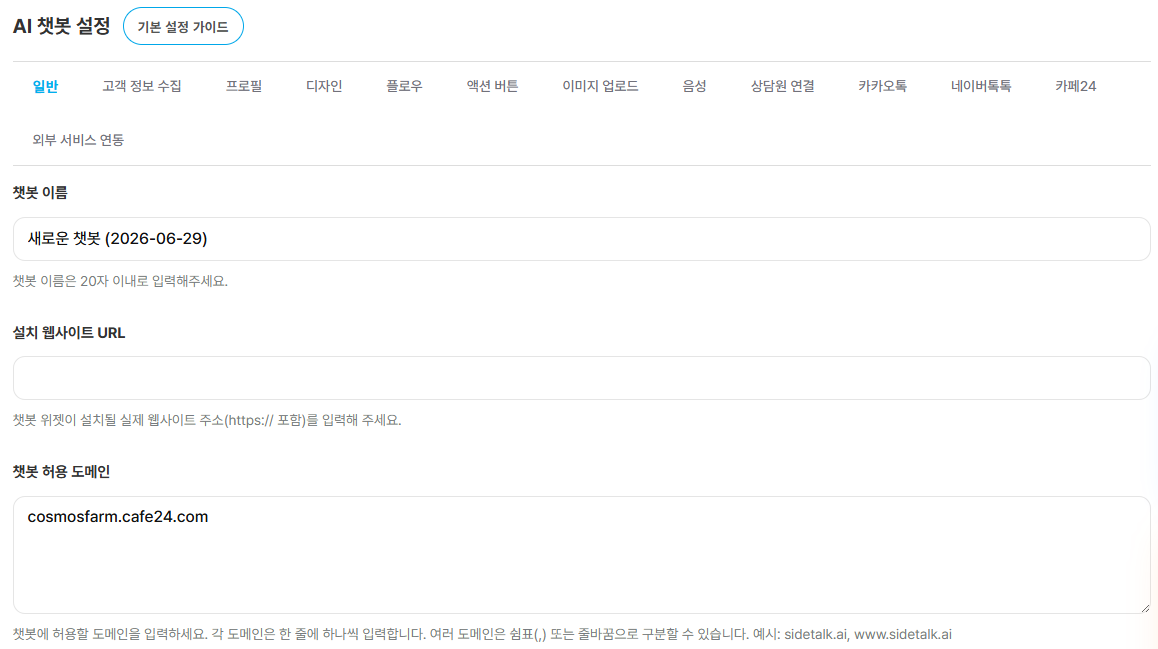
6. Enter your store address in Allowed Chatbot Domains.
- In Sidetalk Management → AI Chatbot Settings → General → Allowed Chatbot Domains, enter the store address and click Update to save.
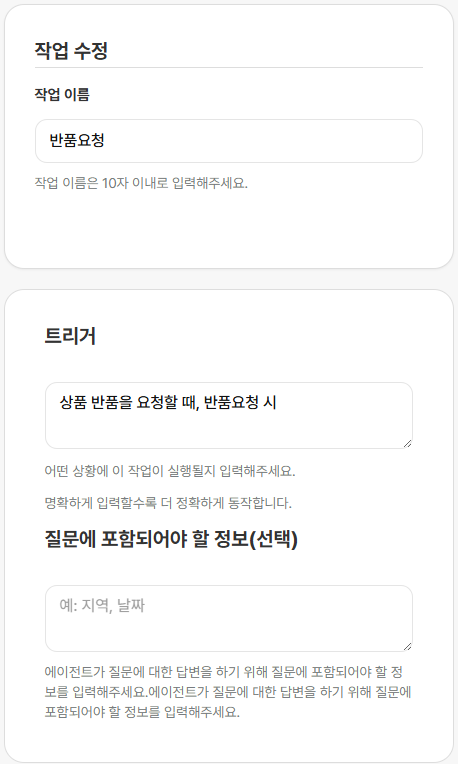
7. Cafe24 features are difficult to use without configuring agent tasks.
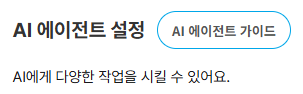
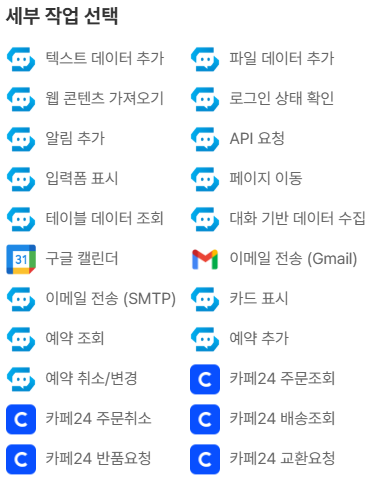
- In the left menu → AI Agent Settings → choose a Cafe24 action and save.
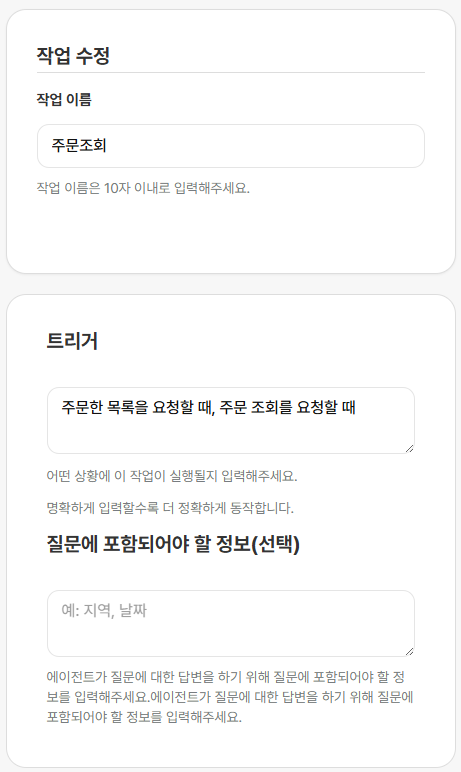
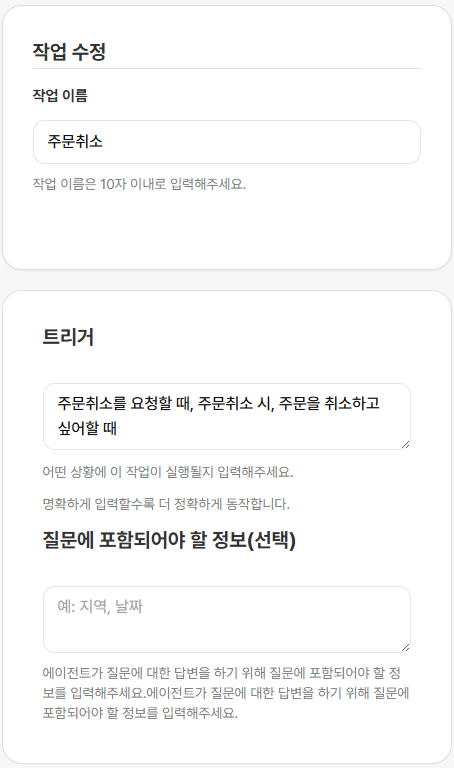
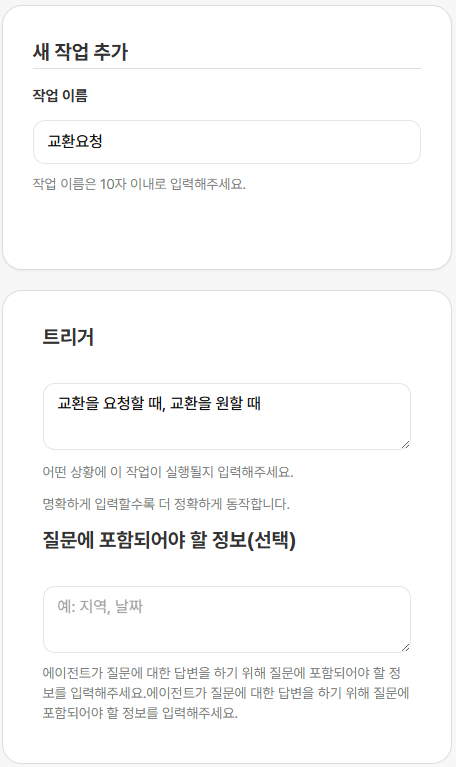
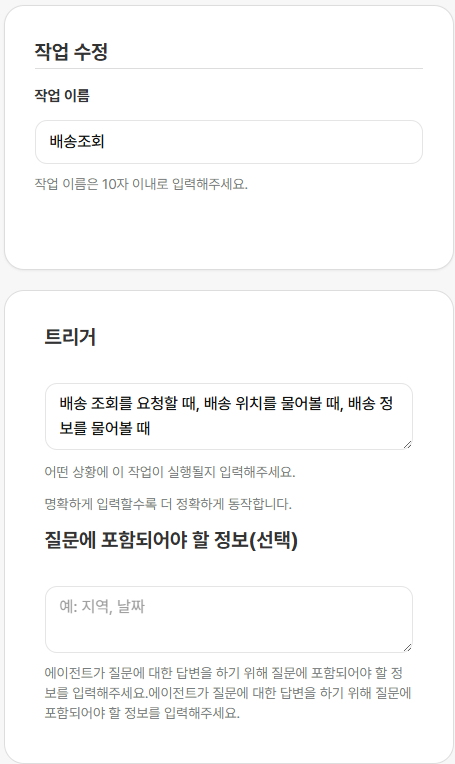
- Enter the situation in Trigger.
- Order Lookup: retrieves the signed-in customer’s Cafe24 orders.
- Order Cancellation: checks the signed-in customer’s order and cancels it in Cafe24 after final confirmation.
- Exchange Request: checks the signed-in customer’s eligible orders and directs them to the Cafe24 My Shopping exchange request page.
- Delivery Lookup: retrieves the signed-in customer’s Cafe24 shipping status and tracking information.
- Return Request: checks the signed-in customer’s eligible orders and directs them to the Cafe24 My Shopping return request page.