
What do tables do?
1. Introduction
Sidetalk lets administrators record and edit information received from customers.
Creating a table also creates its data sheet.
Record and edit data in the created data sheet.
2. Table creation steps
1. Choose a table name
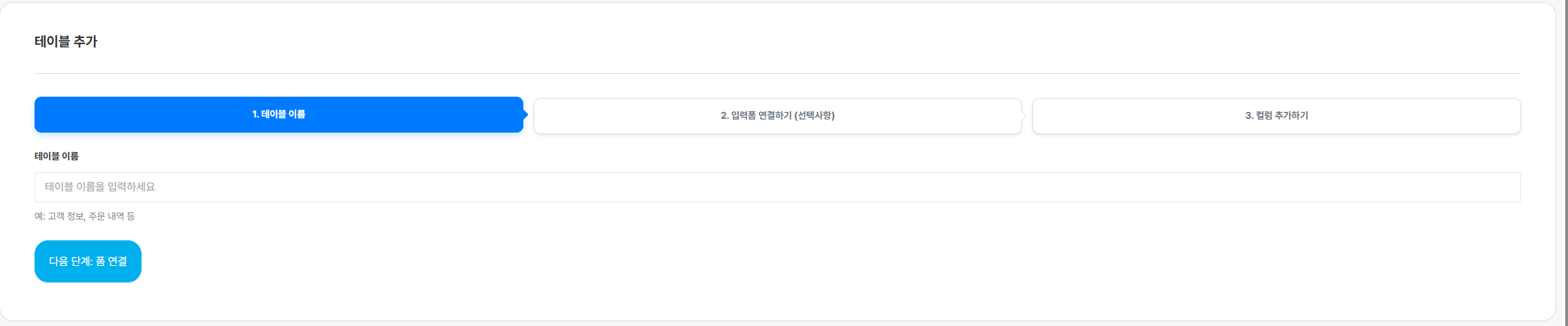
Choose a name for the table you will use.
You cannot proceed to the next step without specifying a table name.
2. Connect to a form
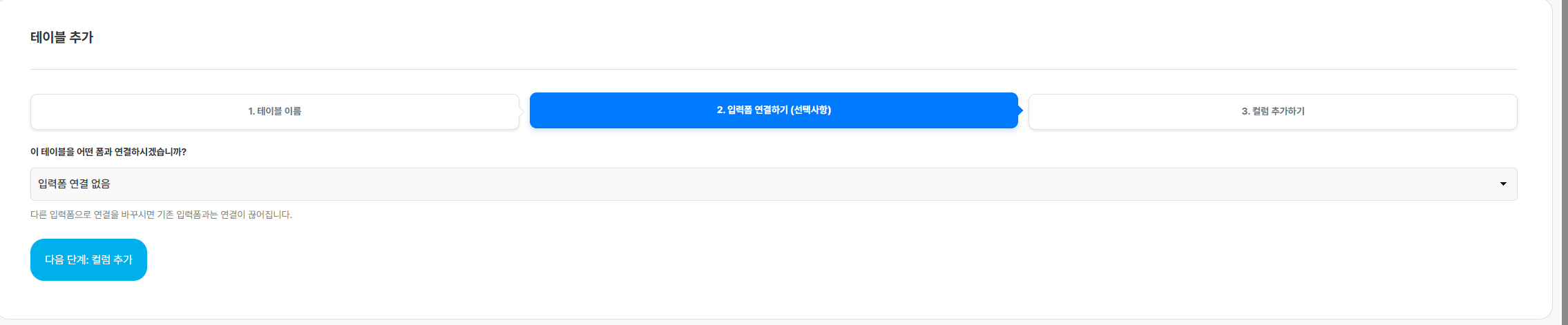
Connect to a form to link a table that records customer-entered information,
so you can record their information in the data sheet.
3. Customize the table
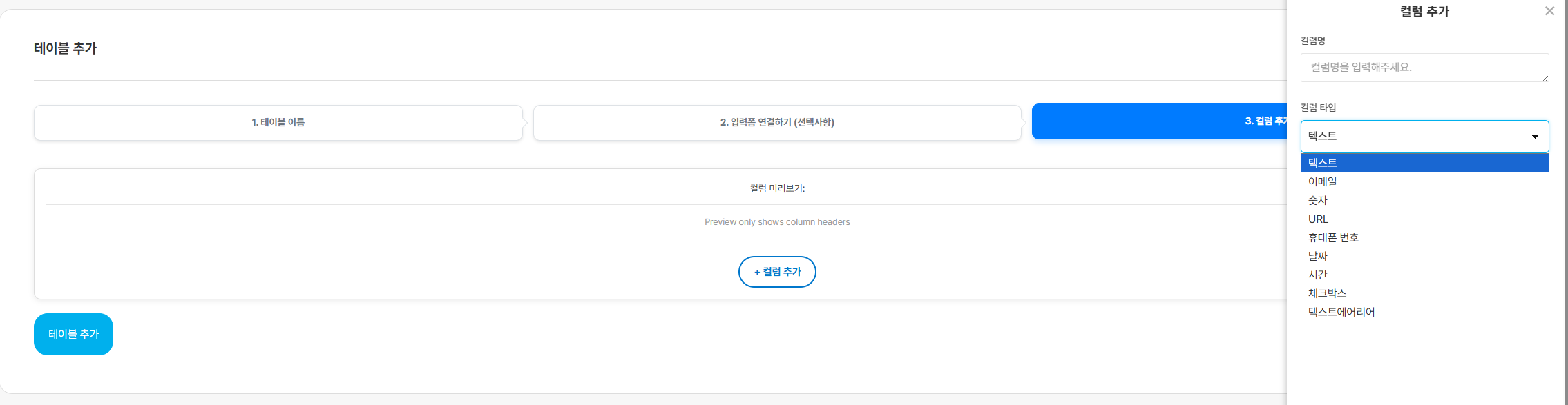
Configure the table’s data sheet columns on this page.